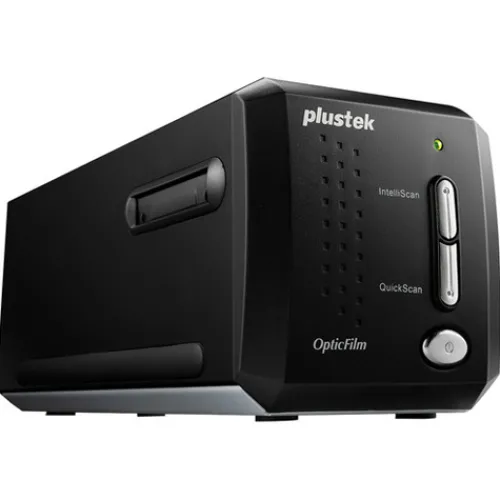
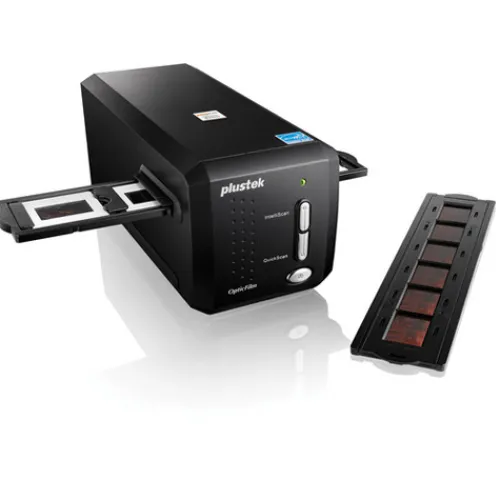
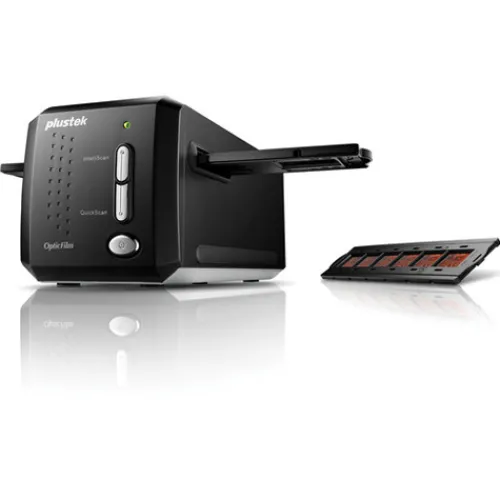
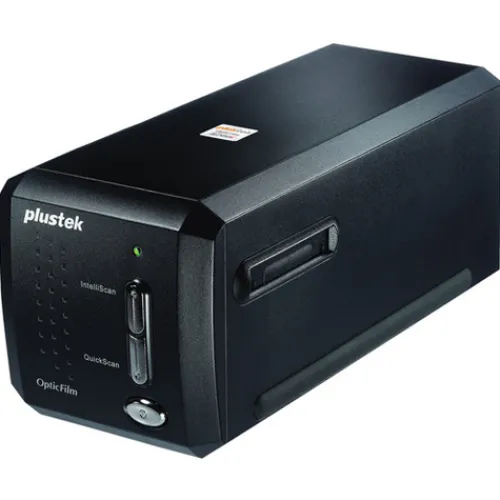


Key Features:
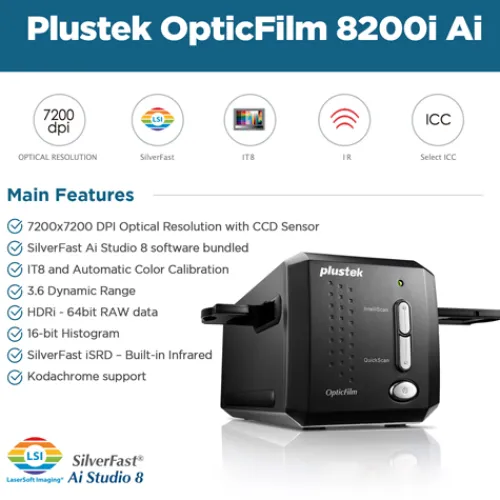
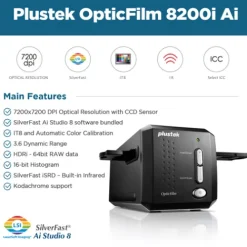
- Scanner with 7200 Dpi Optical Resolution
- Detailed Shadow Areas and Tonal Range
- Channel Removes Dust And Scratches
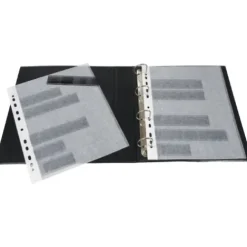
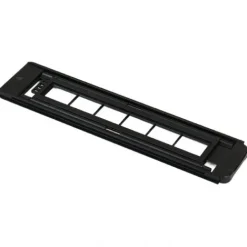
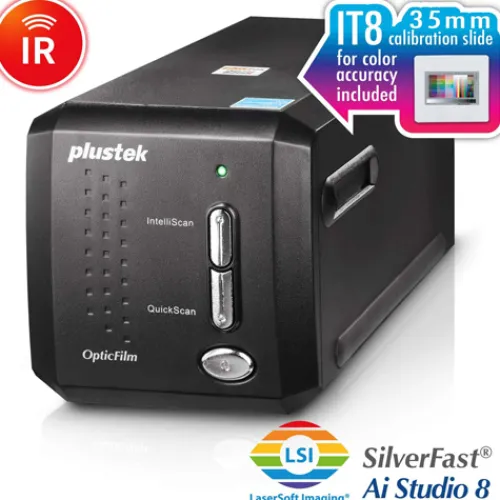
- IT 8 Calibration Slide
- SilverFast Multi-Exposure Reduces Noise
- SilverFast Auto IT8 Calibration
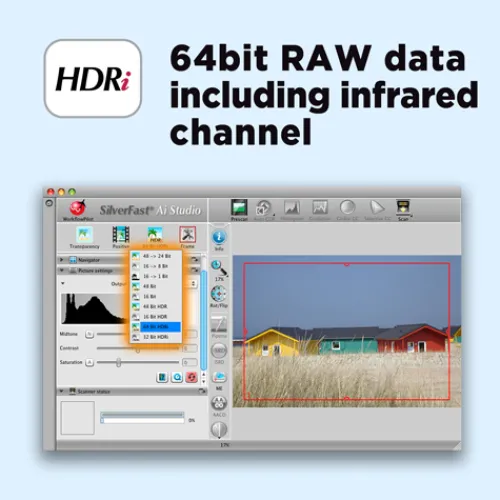
- Graphical User Interface with Preview
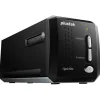
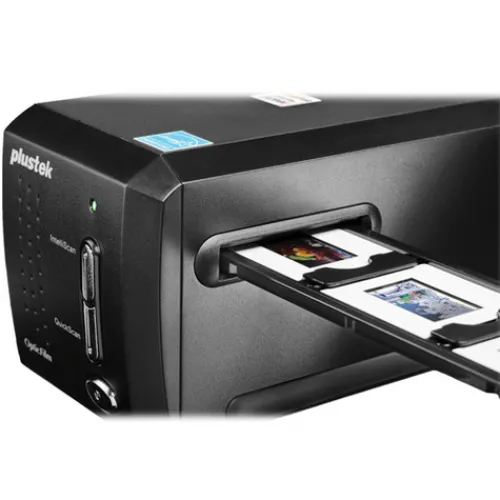
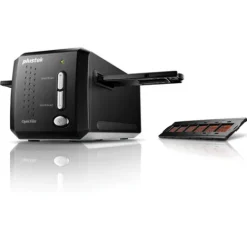
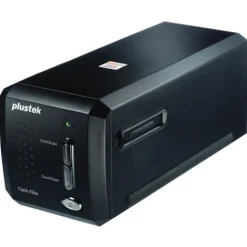
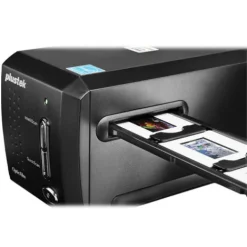
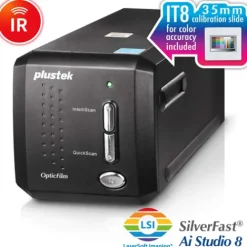
The Plustek OpticFilm 8200i AI is a powerful scanner with 7200 dpi resolution that delivers professional quality results from any photographic original. It is ideally suited to professional photographers, amateur photographers, graphic designers, image enthusiasts, and those who demand high image quality on photo enlargements. Its sharp optical system produces excellent detail in shadow areas and remarkable tonal range. A built-in infrared channel helps users remove dust and scratches on the original negatives and slides without additional post-processing. With the included IT 8 calibration slide, this powerful scanner consistently delivers accurate colours and detail.
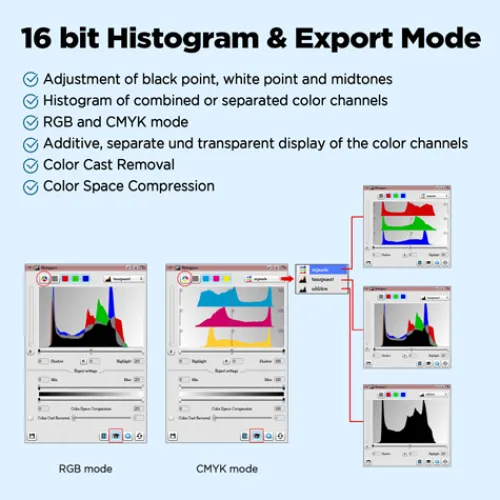
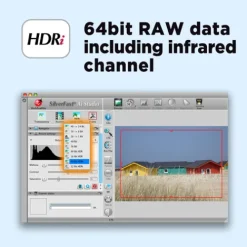
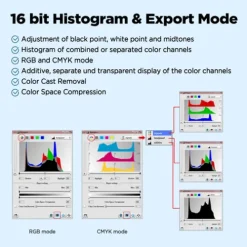
The Plustek OpticFilm 8200i AI and new SilverFast Ai Studio 8 software make a perfect combination. Bundled with the scanner, it includes SilverFast Multi-Exposure® which increases dynamic range, reduces noise and increases picture details; SilverFast iSRD® for dust and scratch removal; SilverFast Auto IT8 Calibration® that colour-calibrates the scanner device in just 2 minutes.; and a new WorkflowPilot® that guides users through all scanning and processing steps. A new graphical user interface reduces the learning curve, and the preview mode allows users to immediately see the results of any adjustments made, even the results of complex functions. SilverFast 8 supports multi-Tasking and the latest 64-bit hardware and is extremely fast and efficient.
Please note:
1- To use the scanner on Windows, you’ll need to install a Plustek proprietary driver. This activates the IntelliScan and QuickScan buttons on the scanner’s front panel. These buttons are essentially physical shortcuts for launching Silverfast and Plustek’s Quickscan software.
2- On macOS, Plustek only uses Silverfast Software, and proprietary software (driver) is not required. Therefore, the physical buttons on the front panel will not work.


Reviews
There are no reviews yet.